Turn hands-on instruction into evidence of capability.
Program Pathways define the capabilities students are expected to develop. The Lab Evidence System gives schools a simple way to capture evidence against those capabilities while the work is happening—and add it directly to the student's Verified Skills Graph. Instructors can move from lab to cohort to student to skill, then capture a photo or video of the work in real time.
Extend the Program Pathway into hands-on instruction.
Program Pathways define what students are expected to develop. The Lab Evidence System gives schools a practical way to capture evidence of those capabilities as students demonstrate them.
Define the capabilities the program is designed to develop.
Build the program around canonical skills and capability domains that students are expected to develop over time.
Capture what students demonstrate while they are doing the work.
Labs, shops, clinical environments and training spaces become places where real work can be documented against specific capabilities.
Add that evidence to the student's existing capability record.
Lab evidence does not create a second skills profile. It contributes to the same Verified Skills Graph the student already carries.
See the Lab Evidence System in action.
Follow the workflow from Program Pathway to lab, cohort, student, capability and evidence capture.
From program intent to evidence in a few steps.
The pathway already defines the capabilities. The Lab Evidence System gives the instructor a focused workflow for getting evidence into the Graph.
Connect the people doing the work to the capabilities they're developing.
Labs and cohorts give the school an operational structure around the Program Pathway so instructors see the right students and the right capabilities when evidence is being captured.
Connect hands-on instruction to the program.
Create active labs around the program activity where skills are being developed and demonstrated.
Organize students and instructors around the work.
Assign instructors and create active cohorts that reflect how students actually work together in the lab.
Give instructors the students they need.
Manage cohort rosters so instructors can move directly from the lab to the students whose work they are documenting.
Make evidence capture practical while instruction is happening.
The Lab Evidence System uses shared tablets that the school can set up for its labs without requiring every instructor to repeatedly sign into a personal account.
An administrator generates a one-time activation code, enters it on the tablet and connects that device to the campus. Once activated, the tablet becomes a focused Lab Evidence kiosk.
Lab. Cohort. Student. Skill. Capture.
The instructor does not need to recreate the student's pathway or decide where evidence belongs. The student already has a Program Pathway and the skills already exist in the Verified Skills Graph.
Start with the instruction happening now.
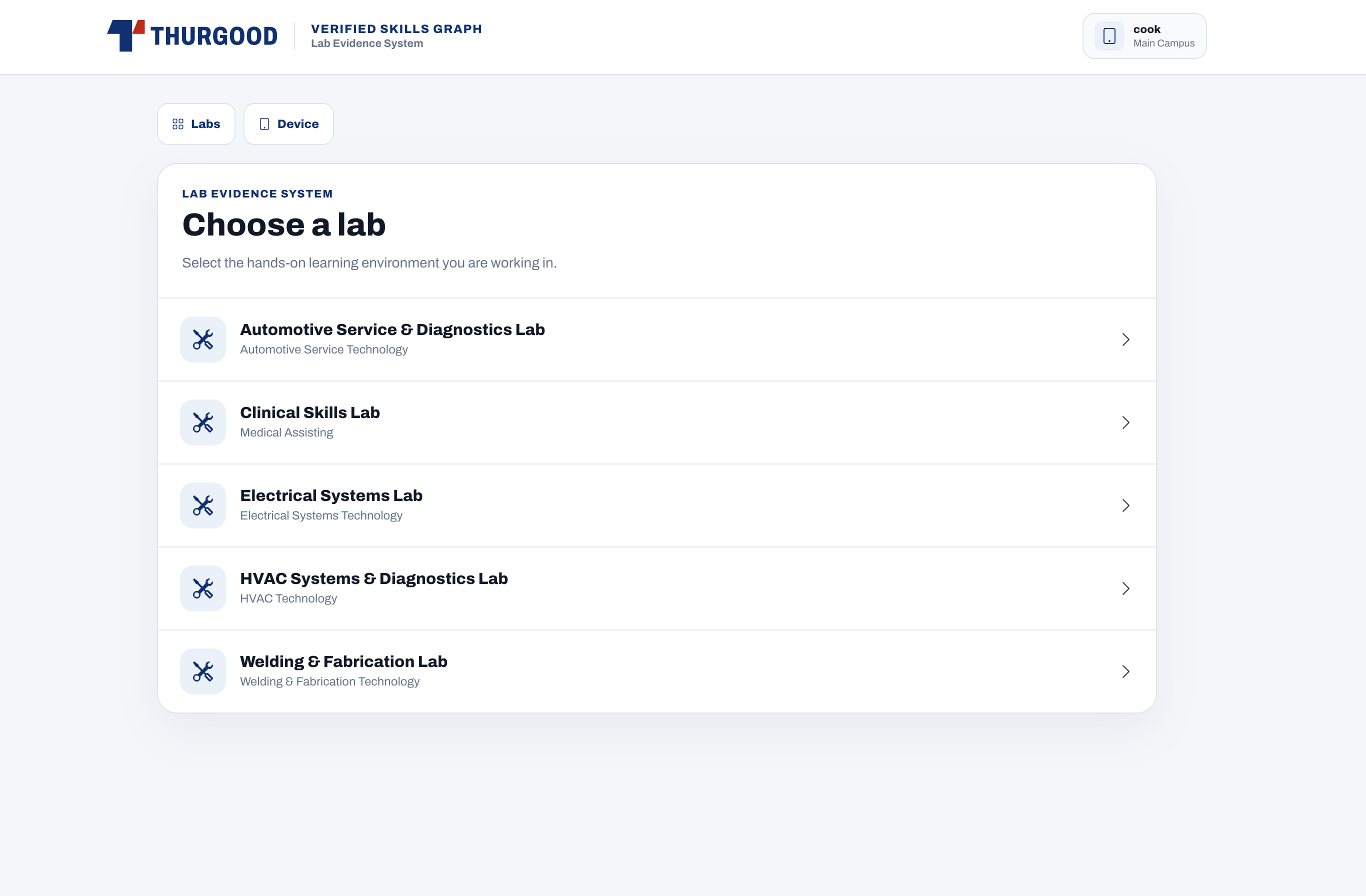
The device shows the active labs available to the campus.
Move through the cohort roster.
Select the student whose work is being documented.
Use the student's existing Program Pathway.
Select the capability the student is demonstrating.
Take a photo or record video.
Document the work while it is happening and save it against that skill.
Lab evidence does not live in a separate system.
Evidence captured during instruction joins the same skill record the student is already building in Thurgood. One student. One capability. One Verified Skills Graph.
Students can document their own work.
Evidence added through the student experience contributes to the skills they are building and demonstrating.
Instructors can capture evidence during instruction.
The Lab Evidence System adds another way for real work to become structured evidence.
Both contribute to the same capability record.
The Graph becomes richer as evidence accumulates from the places where skills are actually demonstrated.
Keep the workflow simple without giving up operational control.
Schools control the structure around evidence capture while the kiosk stays focused on the instructor's immediate task.
Authorize the tablets that can access the system.
Activate, deactivate and reactivate shared campus devices as needed.
Control which labs are active.
Keep current lab activity available while preserving older lab structures when they are no longer active.
Assign instructors and manage rosters.
Give the instructor the exact student group they are working with.
Keep the work connected to the student and skill.
Evidence captured in the lab becomes part of the student's existing capability record rather than a disconnected file.
Program Pathways, labs, cohorts, rosters and authorized devices are configured before the instructor begins capturing evidence. The result is a focused workflow designed for the lab, not another administrative application for instructors to manage.
See how Program Pathways become evidence of demonstrated capability.
Watch the Lab Evidence System workflow or enter the working school demo to explore Program Pathways, labs, cohorts and student evidence.